Houdini Vulkan fix on hybrid GPU linux devices
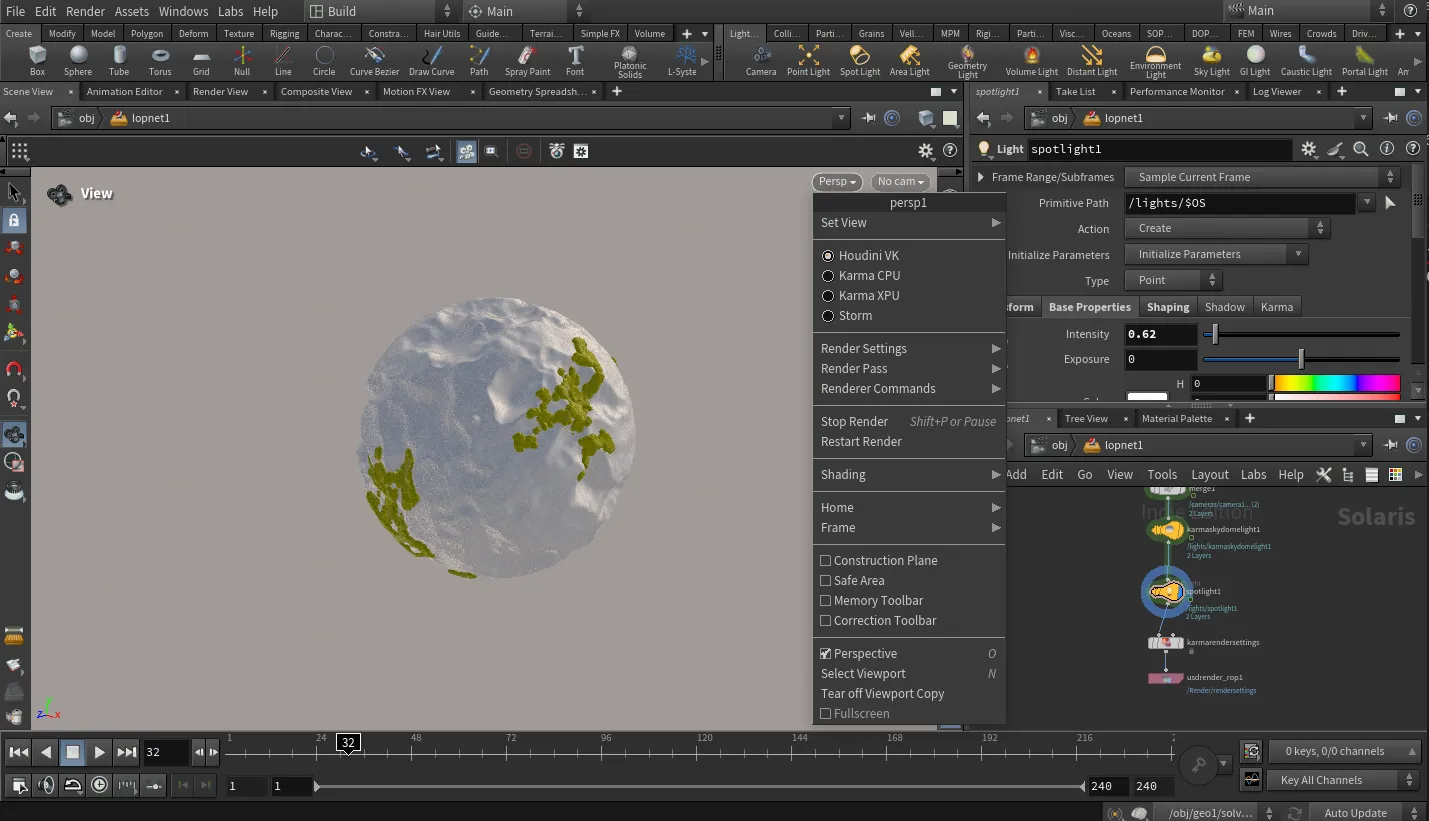
When running Houdini 21 on a hybrid laptop with Intel UHD Graphics + NVIDIA RTX, I kept hitting Vulkan errors and falling back to OpenGL. The issue turned out to be Houdini not picking up the right Vulkan and OpenCL runtime.
On Fedora 42, the simplest fix was to install Intel’s Vulkan and OpenCL packages and force Houdini to use them.
sudo dnf install mesa-vulkan-drivers mesa-vulkan-drivers.i686 intel-compute-runtimeThen, start Houdini with:
VK_ICD_FILENAMES=/usr/share/vulkan/icd.d/intel_icd.x86_64.json /opt/hfs21.0.440/bin/houdini
This command explicitly tells Houdini to use the Intel Vulkan ICD and the Intel OpenCL GPU platform, which resolves the fallback error and allows the viewport to run correctly on the Intel GPU. Rendering (Karma XPU, Redshift, etc.) still happens on the NVIDIA RTX GPU, this approach keeps the viewport stable under Wayland and avoids Vulkan initialization failures.