Plustek Opticfilm 8200i
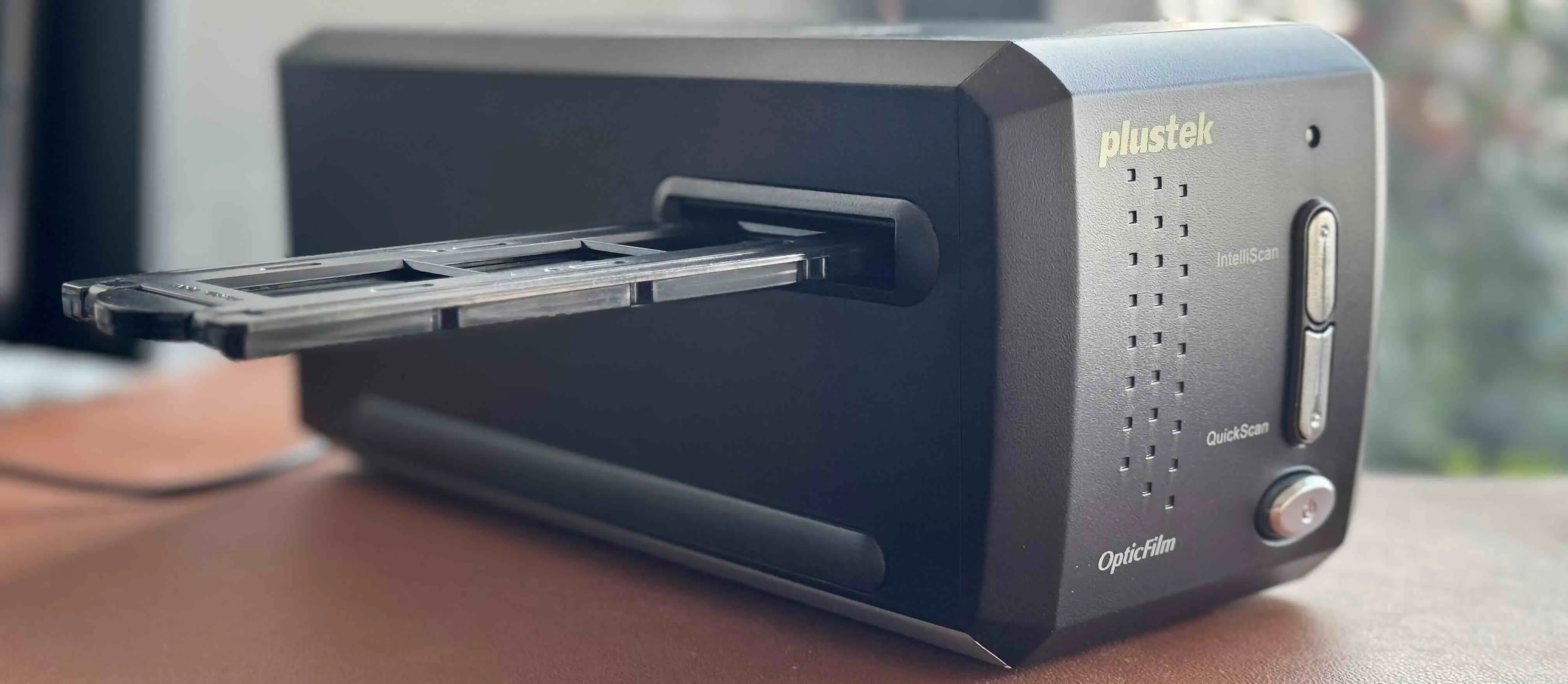
I have been using the Plustek OpticFilm 8200i for every roll I scan. It has become part of my process, the final step before sharing my work or making prints. The scanning is done one 6x6 strip at a time, which is slow, but it keeps me involved with each image as I go through the roll.
The scanner can reach a resolution of 7200 dpi, more than enough for large prints. For web use, I bring the resolution down and can finish a roll in around twenty minutes, provided the exposures are even. The real slowdown is that you cannot preview or process an entire roll at once, it’s always one negative at a time.
The scanner comes with SilverFast software, available for Windows and macOS. It has built-in profiles for many film stocks, which helps in getting close to the right tones from the start. I often scan in 24 Bit, because I am too lazy to make any post processing with negatives. It also has infrared dust and scratch correction but i barely used it. I always clean my negatives with cheap dust blower before putting it into scanner.
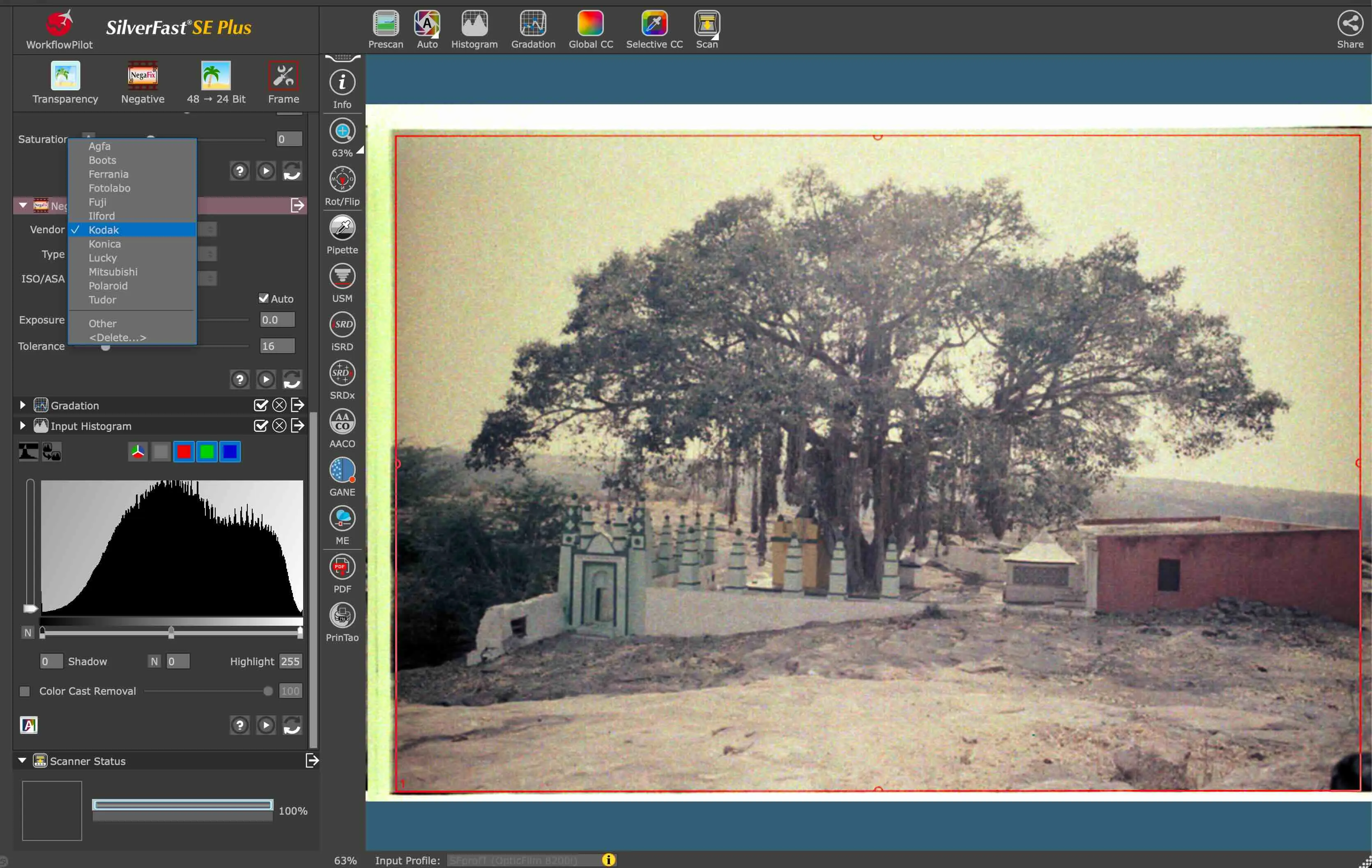
Screenshot of silverfast software on MacOS with dropdown of standard film settings.
To sum up, my process is simple. I adjust the histogram during the preview, then save the scan. I rarely touch the image afterward. The Plustek does not make scanning faster, but it gives me something I value more: reliable, detailed files that are ready to print.